
Gosund Outlets Not Working Well with Google Home? Try These Simple Fixes
2025-12-13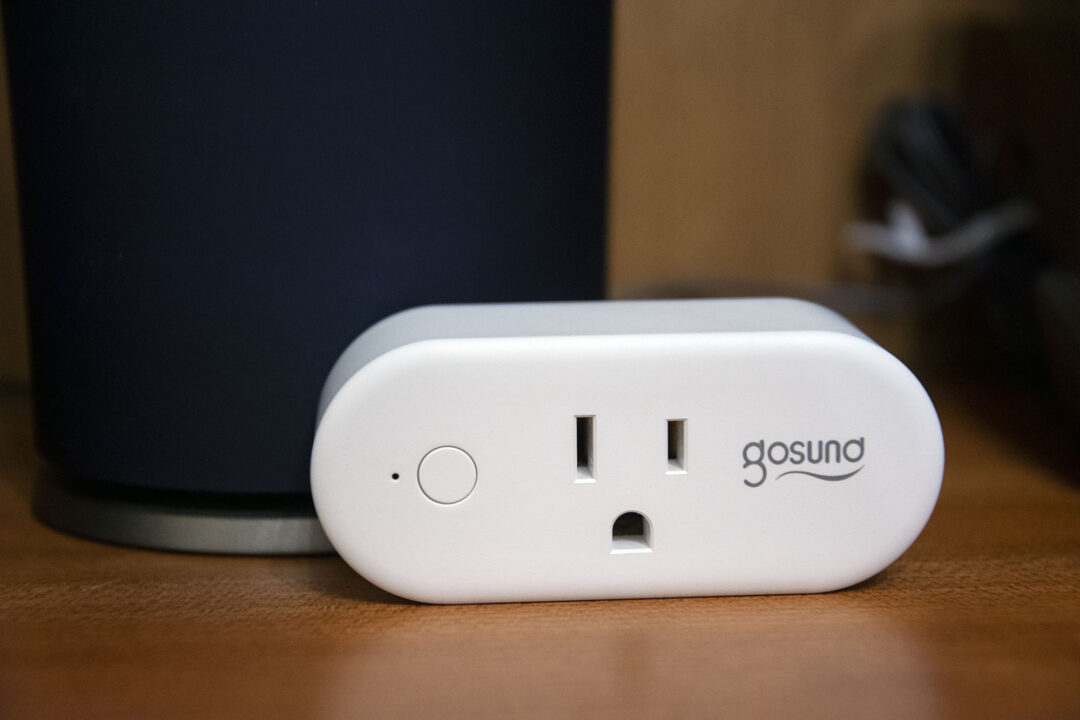
Introduction
Having trouble with your Gosund outlets and Google Home? You're not alone. Many homeowners run into common issues like unresponsive devices, delayed commands, or spotty connectivity when using Gosund smart plugs with Google Home. These glitches can be frustrating, especially when you're trying to build a smooth smart home setup.
Fortunately, most of these issues have simple fixes. This guide shares practical tips to help you troubleshoot and improve the performance of your Gosund outlets with Google Home. From quick resets to easy network tweaks, these solutions are based on real user experiences and have helped many people get their smart plugs working reliably.
Quick Navigation
- What's Going Wrong? Common Issues
- Easy Fixes to Try First
- Simple Network Tweaks
- Getting Routines to Work
- Easy Maintenance Habits
- When to Consider a New Plug
- Final Tips
What's Going Wrong? Common Issues
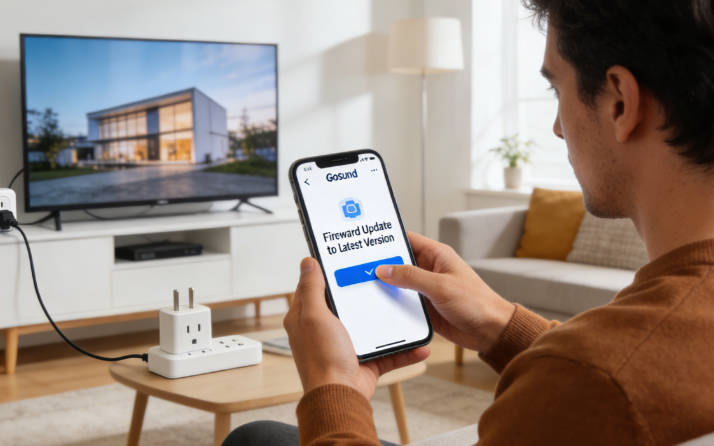
Based on feedback from other Gosund users, these are the most typical problems you might encounter:
- Unresponsive Plugs: Sometimes Gosund outlets stop listening to voice commands or app controls, needing a quick power cycle.
- Connection Drops: Outlets might disconnect from Wi-Fi, especially after Google Home updates or router restarts.
- Delayed Commands: Voice commands to control Gosund outlets might take longer than expected to execute.
- Routine Failures: Pre-set Google Home routines that use Gosund outlets might not run consistently.
- Setup Struggles: Getting the outlet connected to Wi-Fi in the first place can be tricky for some users.
Good news: Most of these issues come from network problems, configuration tweaks, or simple maintenance needs rather than actual hardware defects. That means they're usually easy to fix!
Easy Fixes to Try First
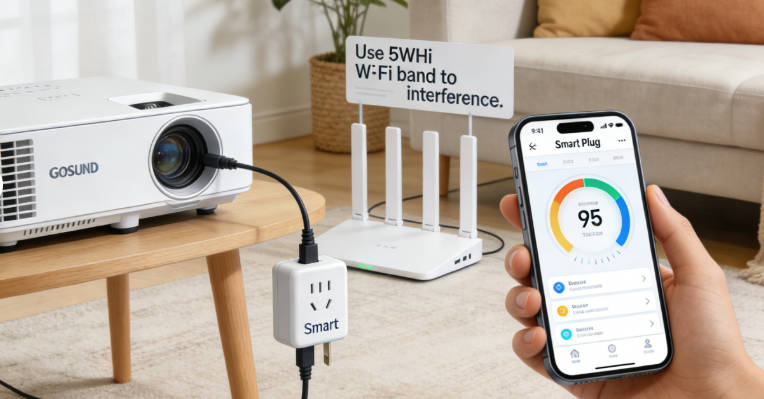
Before trying anything complicated, start with these simple steps that fix most problems:
1. Reset and Reconnect
- Unplug your Gosund outlet for 10 seconds, then plug it back in.
- Remove the device from both the Gosund app and Google Home app.
- Add it back to the Gosund app first, then link it to Google Home.
2. Basic Wi-Fi Adjustments
- Make sure your outlet is within 30 feet of your router for the best signal.
- Use the 2.4GHz Wi-Fi band (Gosund outlets typically work better on this band).
3. Check What's Plugged In
- Don't exceed the outlet's power limit (usually 15A or 1800W).
- Avoid plugging in high-power devices like space heaters or air conditioners.
Simple Network Tweaks
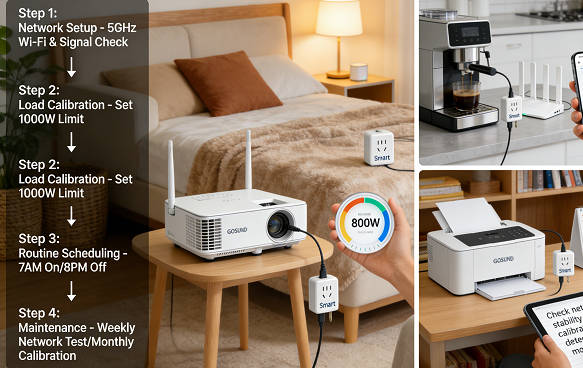
Many Gosund outlet issues come down to your home network. Here are easy ways to improve reliability:
Wi-Fi Channel Selection
- Use a free Wi-Fi analyzer app on your phone to find the least busy Wi-Fi channels in your area.
- Set your router to use a less crowded channel, especially for the 2.4GHz band.
Better Signal Strength
- Put your router in a central spot, away from walls and large objects.
- Consider a Wi-Fi extender if your outlet is far from the router.
- Keep Gosund outlets away from devices that cause interference (microwaves, cordless phones, Bluetooth speakers).
Router Settings
- If your router has QoS (Quality of Service) settings, prioritize your smart home devices.
- Keep your router's firmware updated for the best performance.
Getting Routines to Work
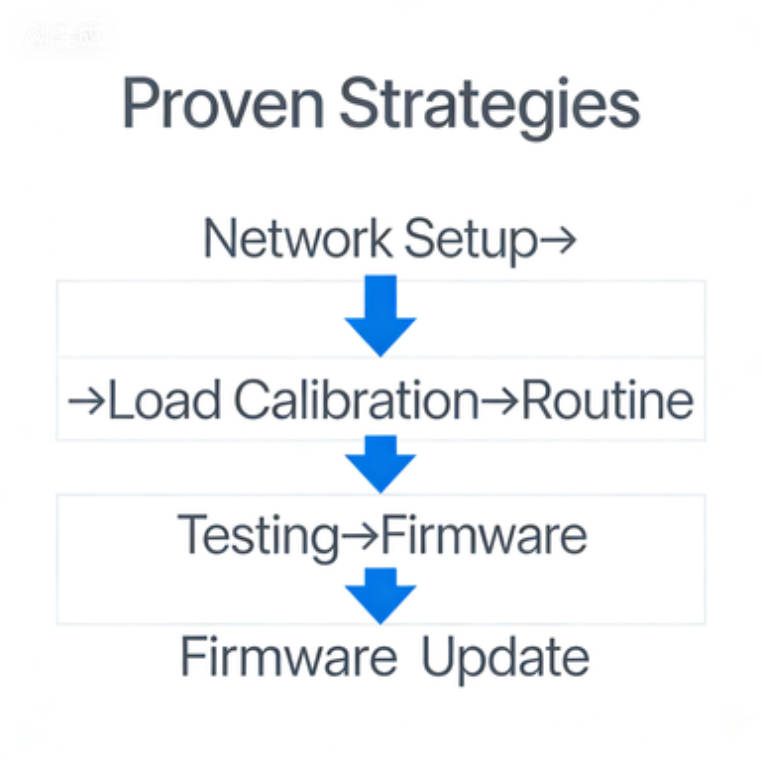
Having trouble with Google Home routines that include your Gosund outlets? Try these simple adjustments:
Keep Routines Simple
- Break big routines into smaller ones.
- Limit each routine to 3-4 commands at most.
Add Small Delays
- Put 2-3 second pauses between commands in multi-device routines.
- This gives your Gosund outlets time to respond properly.
Test Before You Trust
- Test each routine a few times before relying on it daily.
- Double-check routines after any app or network updates.
Easy Maintenance Habits
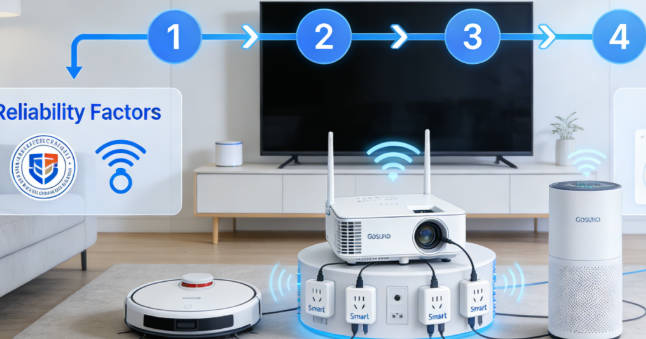
A little regular care can go a long way toward keeping your Gosund outlets working well:
Stay Updated
- Check for updates in the Gosund app every few months.
- Keep your Google Home app updated too.
Occasional Resets
- Restart your Gosund outlets every few months to clear any glitches.
- Reboot your router monthly to refresh all connections.
Check Routines Seasonally
- Test your Google Home routines every few months to make sure they're still working.
- Tweak commands if you notice consistent issues.
When to Consider a New Plug
Sometimes, despite your best efforts, a Gosund outlet might need to be replaced. Here are signs it's time for a new one:
- Persistent Problems: If your outlet keeps failing even after multiple resets and updates.
- No More Updates: When Gosund stops releasing firmware updates for your model.
- Better Options Available: If other smart plugs offer more reliable performance at a similar price.
- Safety Concerns: If your outlet feels hot to the touch during normal use.
Final Tips
Based on what other users have found helpful, the most effective solutions for Gosund outlets and Google Home usually involve simple network adjustments and proper setup rather than complex technical fixes.
Many users report big improvements after trying the tips in this guide, especially the network tweaks and routine simplification. With a little patience, you can often get reliable performance from your Gosund outlets without needing to buy more expensive alternatives.
Remember that smart home technology is always changing. What works today might need a small adjustment tomorrow. Stay patient, keep your devices updated, and don't hesitate to try different approaches if you run into persistent issues.

Emma Johnson
Emma Johnson is a Google Home expert with years of experience in smart home technology. She enjoys helping homeowners troubleshoot common smart home issues and create seamless automation systems.
You Might Also Like
15 Best Healthy and Easy Salad Recipes
August 12, 2025
The planet doesn't need saving. We do.
August 17, 2025
Modern City With Amazing Dark Blue Sea
August 20, 2025
Comments
-
Reply
Michelle Durant
Jun 23, 2025, 11:45 am
As someone completely new to smart furniture, this blog helped me understand what actually matters before buying. The explanations are clear, practical, and focused on real usage instead of marketing hype. I avoided a purchase mistake thanks to one of the comparison guides.
-
 Reply
ReplyRonda Otoole
Jun 23, 2025, 11:45 am
What I appreciate most is the honest testing approach. The reviews explain both strengths and limitations, which made me trust the recommendations. It feels like advice from someone who has actually used these products at home, not just read the specs.
 Reply
ReplyJames Whitley
Jun 23, 2025, 11:45 am
I was overwhelmed by all the smart furniture options on the market. This site breaks things down in a way that's easy to follow, especially for beginners. The buying guides saved me a lot of time and gave me confidence in my decision.
-
 Reply
ReplyKimberly Chretien
Jun 23, 2025, 11:45 am
The content strikes a great balance between being beginner-friendly and technically reliable. I like that it explains why certain features matter and when they don't. It's become my go-to reference before considering any smart furniture purchase.
-
 Reply
ReplyMichelle Durant
Jun 23, 2025, 11:45 am
I like that the reviews don't push you to buy the most expensive option. The explanations helped me understand which features are genuinely useful and which ones I could skip. It feels written for real people making real decisions, not for advertisers.