
What to Do if Kasa Plug Shows Connected But Google Home Doesn't Respond?
2025-12-18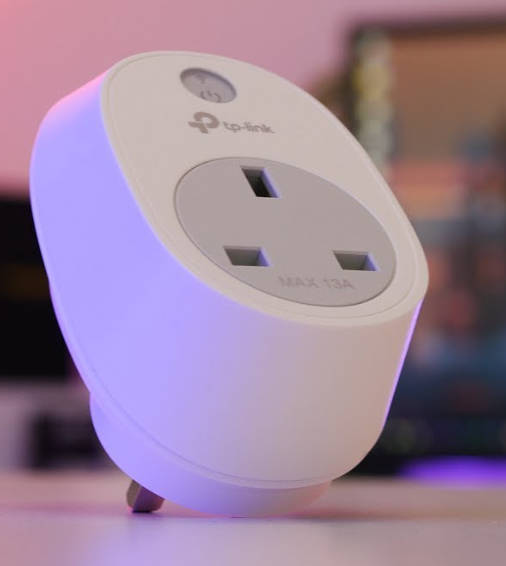
Problem Description
Recently I helped a friend fix a Kasa smart plug issue - it showed as connected in the Kasa app, but Google Home completely ignored all commands. After trying a few methods, we finally got it working again.
If you're also experiencing a Kasa plug that shows connected but Google Home doesn't respond, don't worry - this is a common issue many users face. This article will walk you through the common causes and provide detailed solutions to get your smart home devices working together smoothly again.
Why Does My Kasa Plug Show Connected But Google Home Doesn't Respond?
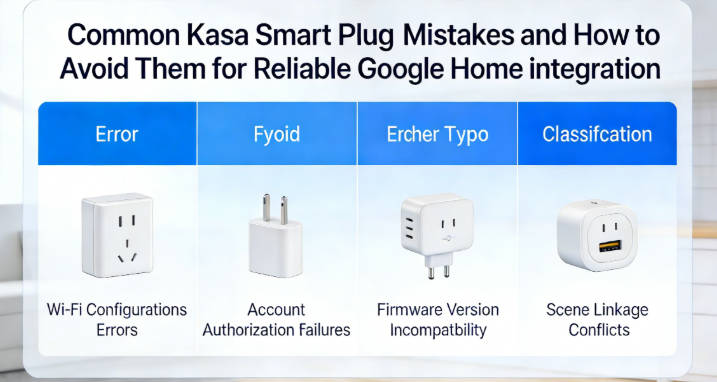
Based on my experience troubleshooting Kasa smart plugs (especially the Kasa HS103 model), here are the most common causes:
- Google Home Integration Disabled: Even if the plug is connected to Wi-Fi, the Google Home integration in the Kasa app might be turned off, preventing Google Assistant from controlling it.
- Account Linking Issues: Your Kasa account may not be properly linked to Google Home, or the link may have expired.
- Network Communication Problems: There might be communication barriers between your Kasa plug, Wi-Fi network (especially 2.4GHz Wi-Fi), and Google Home device.
- Firmware Version Mismatch: Outdated firmware on either your Kasa plug or Google Home device can cause compatibility issues.
- App Conflicts: Other smart home apps might be interfering with the Kasa-Google Home connection.
Basic Troubleshooting Steps
1. Check Google Home Integration in Kasa App
Issue: The Google Home integration in the Kasa app might be accidentally disabled.
Solution:
- Open the Kasa app on your phone.
- Tap the Kasa plug that's not responding to Google Home commands.
- Tap the gear icon in the top right corner to access device settings.
- Scroll down and select "Works with Kasa" or "Voice Control" (depending on your app version).
- Make sure the Google Assistant switch is turned on - this is the key to letting Google Home control your Kasa plug.
- If it's already on, try turning it off and back on again - sometimes this reactivates the connection.
2. Relink Kasa Account to Google Home
Issue: Your Kasa account may not be properly linked to Google Home, or the link may have become invalid.
Solution:
- Open the Google Home app on your phone.
- Tap the "+" icon in the top left corner.
- Select "Set up device" > "Works with Google"
- Search for "Kasa" in the services list.
- Tap Kasa and follow the prompts to relink your account - just like you did the first time.
- After linking, try saying "Hey Google, turn on my Kasa plug" to see if it responds.
3. Check Network Communication
Issue: Network communication problems between devices, especially unstable 2.4GHz Wi-Fi connections.
Solution:
- Make sure your Kasa plug, Google Home device, and phone are all connected to the same 2.4GHz Wi-Fi network so they can communicate smoothly. Remember, most Kasa plugs (including the Kasa HS103) only support 2.4GHz Wi-Fi.
- Test if your Wi-Fi network is working properly by browsing the web on your phone or other devices.
- Move your Kasa plug closer to the Wi-Fi router to ensure a strong signal, avoiding connection issues caused by weak signals.
- Restart your Wi-Fi router: unplug it for 30 seconds, then plug it back in and give it time to fully start up.
- After the network has fully restarted, try controlling your Kasa plug through Google Home again.
4. Update Firmware
Issue: Outdated firmware on your Kasa plug or Google Home device causing compatibility issues.
Solution:
- Update Kasa Plug Firmware:
- Open the Kasa app.
- Tap the unresponsive plug.
- Tap the gear icon to access settings.
- Scroll down and select "Device Info"
- Check for and install any firmware updates - this fixes many known connection issues.
- Update Google Home Firmware:
- Open the Google Home app.
- Tap your Google Home device.
- Tap the gear icon to access settings.
- Scroll down and select "System" > "About" > "System Update"
- Check for and install any updates to ensure Google Assistant is compatible with the latest device firmware.
5. Check for App Conflicts
Issue: Other smart home apps might be interfering with the Kasa-Google Home connection.
Solution:
- Check if you have other smart home apps that might control your Kasa plug (like Alexa or Samsung SmartThings).
- Temporarily disable or log out of these apps to see if that resolves the issue - sometimes multiple control apps can interfere with each other.
- Make sure you're not using multiple accounts to control the same Kasa plug, as this can also cause conflicts.
Advanced Troubleshooting Techniques
If the basic troubleshooting steps don't resolve the issue, don't worry - try these advanced techniques that often fix more stubborn problems:
1. Reset Your Kasa Plug
Sometimes you need to start from scratch to fix stubborn issues, just like rebooting a computer:
- Find the reset button on your Kasa plug (usually on the side or bottom, it's a small hole).
- Use a toothpick or pin to press and hold the reset button for 10-15 seconds until the LED light starts flashing rapidly.
- Release the button and wait for the plug to reset (this may take 1-2 minutes, be patient).
- Set up the plug again in the Kasa app, then relink it to Google Home - start fresh like it's a new device.
2. Clear App Cache and Data
Clearing the cache for your Kasa and Google Home apps can sometimes fix communication issues, just like cleaning up your phone:
- On your phone, go to Settings > Apps.
- Find the Kasa app and tap it.
- Tap "Storage" > "Clear Cache" and "Clear Data" (note: this will reset the app to default settings, so you'll need to log in again).
- Do the same for the Google Home app, clearing its cache and data.
- Reopen both apps, log in, and set up your device connections again.
3. Check Router Settings
Router settings might be blocking communication between devices, especially certain security settings:
- Access your router's admin interface (usually by entering 192.168.1.1 or 192.168.0.1 in your browser).
- Check if AP Isolation is enabled (this blocks communication between devices and needs to be turned off).
- Make sure the firewall isn't blocking communication between your Kasa plug and Google Home.
- Try creating a dedicated guest network for your smart home devices using the 2.4GHz band to reduce interference.
Solutions for Kasa Plug and Google Home Pairing Failures
If you're having pairing issues during initial setup, try these solutions specifically for pairing failures:
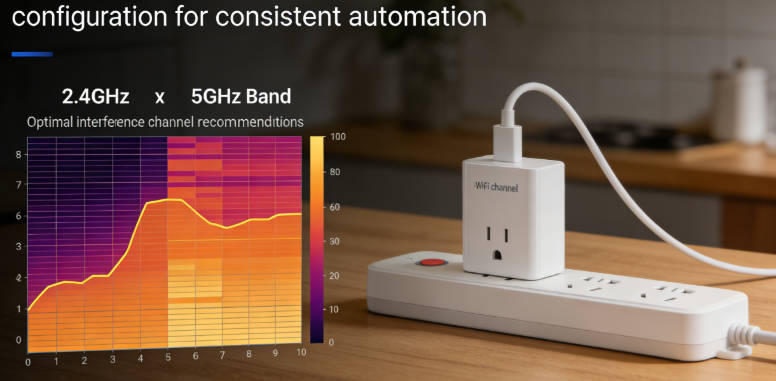
- Make sure you're using a 2.4GHz Wi-Fi network (Kasa HS103 and similar models don't support 5GHz networks, which is a common oversight).
- Temporarily turn off your phone's mobile data to ensure you're only connected via Wi-Fi, avoiding pairing failures caused by network switching.
- Make sure Google Assistant is properly set up and logged into your Google account, and that the language settings match your Kasa app.
- Try pairing at different times to avoid network高峰期, when connections are more stable.
Preventative Measures
Once your Kasa plug starts responding to Google Home commands again, here are some tips to prevent future issues and save yourself trouble:
- Regular Updates: Enable automatic firmware updates for your Kasa plug and Google Home devices so they automatically get the latest compatibility fixes.
- Network Maintenance: Regularly restart your Wi-Fi router (once a week is a good schedule) to keep the network running smoothly and reduce connection issues.
- Device Placement: Ensure your Kasa plug is within range of your Wi-Fi router, especially for 2.4GHz Wi-Fi signals, avoiding too many walls between them.
- Account Management: Keep your Kasa and Google Home accounts secure, ensure they're always properly linked, and check the linkage status regularly.
- Regular Testing: Test your Kasa plug's response to Google Home commands every few weeks to catch issues early.
Expert Advice
After troubleshooting many Kasa smart plug (especially Kasa HS103) issues, I've found that the most common problems are often the simplest ones - Google Home integration being disabled or account linking expiring. Many users don't realize these connections can sometimes disconnect without warning, just like Bluetooth on your phone occasionally drops.
One particularly useful trick I've discovered is creating a simple routine in Google Home to test your Kasa plug daily. For example, set up a routine that automatically turns on your coffee maker plug when you wake up in the morning, or turns off your bedroom lamp plug when you go to bed. This way, if it stops responding, you'll notice right away instead of panicking when you need it.
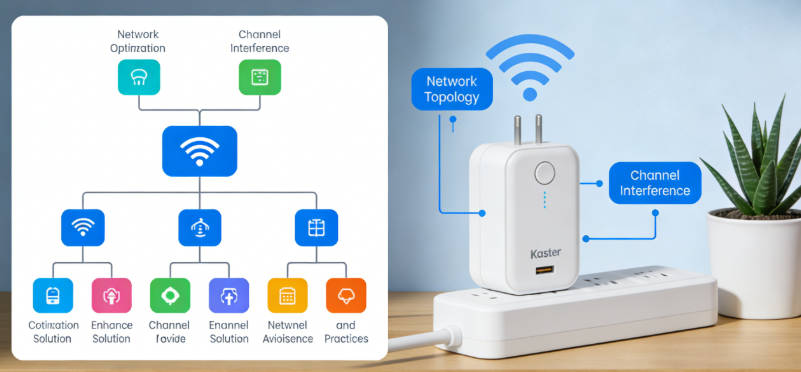
Also, don't underestimate the importance of a quality Wi-Fi network. Many smart home issues, including Kasa plug unresponsiveness, can be traced back to poor Wi-Fi coverage or network congestion. If you have a larger home, consider investing in a Mesh network router or Wi-Fi extenders so every corner has a stable 2.4GHz Wi-Fi signal - your smart home devices will be much more reliable.
Summary
When your Kasa plug shows connected but Google Home doesn't respond, it can be frustrating, but with the troubleshooting steps in this article, the issue is usually resolvable. Remember, most problems aren't hardware failures but rather setup or connection issues.
Start by checking the Google Home integration in the Kasa app, then relink your account, check your 2.4GHz Wi-Fi connection, update firmware, and check for app conflicts. If these steps don't work, try advanced techniques like resetting the plug or clearing app cache.
By following the troubleshooting steps and preventative measures in this article, you should be able to get your Kasa plug (especially the Kasa HS103 model) reliably responding to Google Home commands, making your smart home experience smoother. If the problem persists, don't hesitate to contact Kasa support - they have a dedicated technical team to help you resolve issues.
Tags:

Emma Johnson
Emma Johnson is a Google Home expert with years of experience troubleshooting smart home device connection issues.
You Might Also Like
15 Best Healthy and Easy Salad Recipes
August 12, 2025
The planet doesn't need saving. We do.
August 17, 2025
Modern City With Amazing Dark Blue Sea
August 20, 2025
Comments
-
Reply
Michelle Durant
Jun 23, 2025, 11:45 am
As someone completely new to smart furniture, this blog helped me understand what really matters before buying. The explanations are clear, practical, and focus on actual use rather than marketing hype. Thanks to one of the comparison guides, I avoided making a wrong purchase.
-
 Reply
ReplyRonda Otoole
Jun 23, 2025, 11:45 am
What I appreciate most is the honest testing approach. The reviews explain both strengths and limitations, which makes me trust the recommendations. It feels like advice from someone who actually uses these products at home, not just reading spec sheets.
 Reply
ReplyJames Whitley
Jun 23, 2025, 11:45 am
I was overwhelmed by all the smart furniture options on the market. This website breaks down the content in an easy-to-understand way, especially for beginners. The buying guides saved me a lot of time and gave me confidence in my decisions.
-
 Reply
ReplyKimberly Chretien
Jun 23, 2025, 11:45 am
The content strikes a great balance between beginner-friendly and technically reliable. I like how it explains why certain features matter and when they don't. It's become my reference before considering any smart furniture purchase.
-
 Reply
ReplyMichelle Durant
Jun 23, 2025, 11:45 am
I like that these reviews don't push you to buy the most expensive option. The explanations help me understand which features are truly useful and which I can skip. It feels written for regular people making real decisions, not for advertisers.